
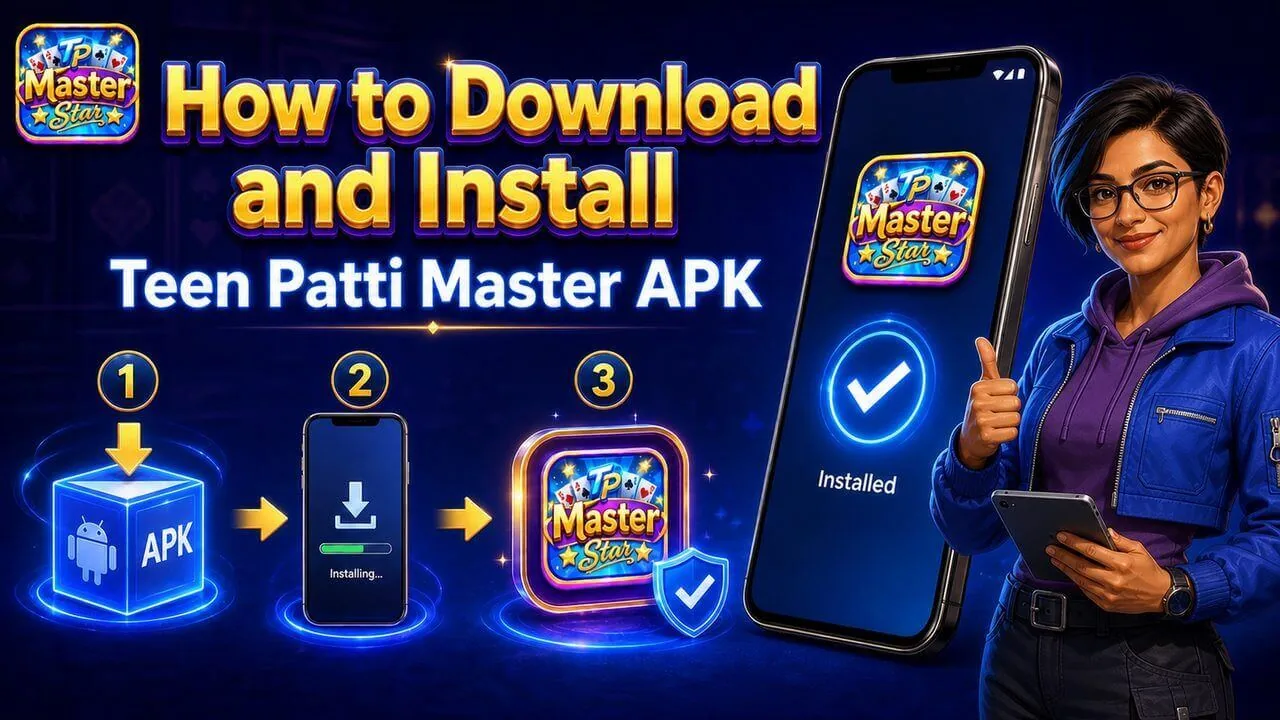
What does ‘Install unknown apps’ mean?
Android uses this setting when an APK is opened from outside a first-party app store. On Android 8.0 and later, permission is granted to the particular browser, file manager or source opening the package. It is not proof that the APK is safe; it is user consent for that source to request installation.
Source-specific permission on Android 8.0+
- Open the APK from the intended browser or Files app.
- Read the Android prompt and note which source is requesting permission.
- Allow that source only if the file information and destination are expected.
- Return to the install screen and review the app identity and permissions.
- Disable the source permission after installation if it is no longer needed.
Menu wording differs by device manufacturer. Android Developers documents the source-specific model introduced in Android 8.0.
Older Android versions
Android 7.1.1 and earlier may present a broader Unknown Sources setting or a one-time prompt. Because older systems may also lack current security updates, confirm device support before installing an APK. Do not weaken other security controls just to complete an install.
Keep Google Play Protect enabled
Google states that Play Protect checks apps for harmful behaviour, including apps obtained from other sources. Treat a harmful-app warning as a reason to stop. A clean result reduces one category of risk but does not verify publisher identity, payment terms or legal availability.
What a signature conflict means
Android uses app signing to decide whether a new package can update an installed app. A conflict can mean the new APK was signed differently, uses a conflicting package identity or does not belong to the installed release. Cancel first. Do not delete the existing app until you understand whether local data will be lost and why the signer changed.
Review permissions after installation
| Request | Question |
|---|---|
| Notifications | Does the feature need alerts, and can they be disabled? |
| Storage/media | Is access limited to a clear file or media feature? |
| SMS/contacts/call logs | What essential game feature requires this sensitive data? |
| Accessibility/device admin | Why is high-control access needed? Cancel when unexplained. |
What this page cannot verify
This guide does not establish the package name, SHA-256 hash, signer fingerprint or scan result of a specific Teen Patti Master APK. Those fields must be published from current technical evidence. Use the APK safety checklist to see what is known and unknown.
Frequently Asked Questions
Should I leave Install Unknown Apps enabled?+
No. Disable the source permission after the intended installation if it is no longer needed.
Should Play Protect be turned off to install an APK?+
No. Keep it enabled and stop if Android reports harmful behaviour.
Why can’t the APK update my installed app?+
A different signer, package conflict, incomplete file or compatibility problem may be responsible.
Does Android permission prove the APK is safe?+
No. It only allows the selected source to request installation.
Editorial boundary
This guide explains common Teen Patti or Android concepts. Table rules, product availability, account eligibility and payment conditions can change. No content guarantees winnings, file safety or a payment result.
Read our editorial approach →How this guide is checked
This article follows our editorial standards: clear definitions, table-rule caveats, source checks where available, and no guaranteed-winning claims.
Corrections or feedback: support@playtpmaster.com
Read our editorial approach →Scheduled review: This article is scheduled for review every 30 days and sooner after a relevant official Android, product or regulatory update.